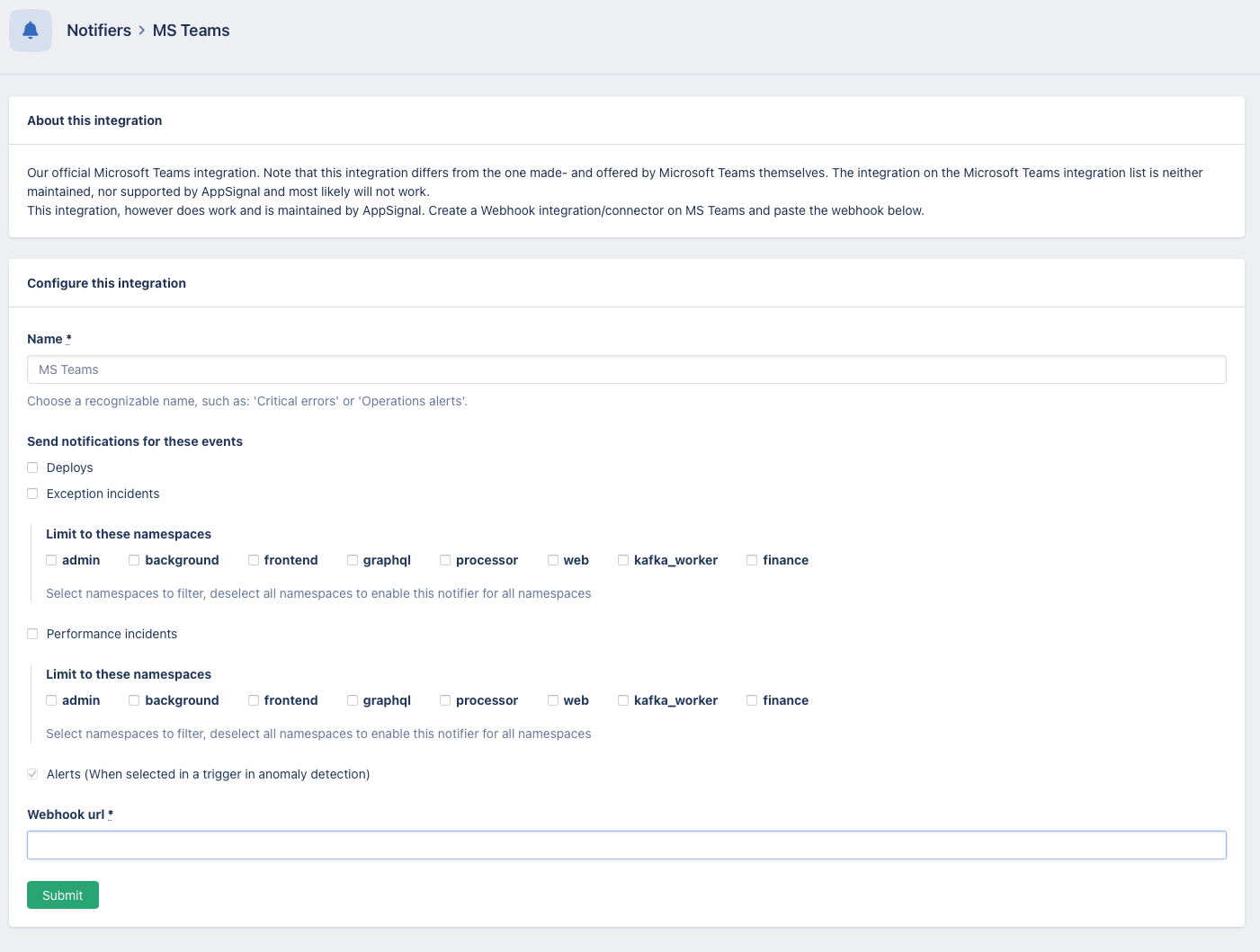
Adding MS Teams integration to you app
Adding the integration consists of two steps, one on Microsoft Teams and one on AppSignal.Create a workflow in MS Team
Under the channel options, find the “Workflows” option and search for “Webhook.” Select “Post to a channel when a webhook request is received.” Enter a name for your workflow and click “Next.” Wait for a couple of seconds until the form appears, where you can enter details on where you want to post the webhook. Select the desired channel and click on “Add workflow.” Copy the generated webhook URL; you will need this URL to configure the integration on AppSignal.AppSignal
On the desired app, head to “Notifiers” and select “MS Teams”